Point Clouds
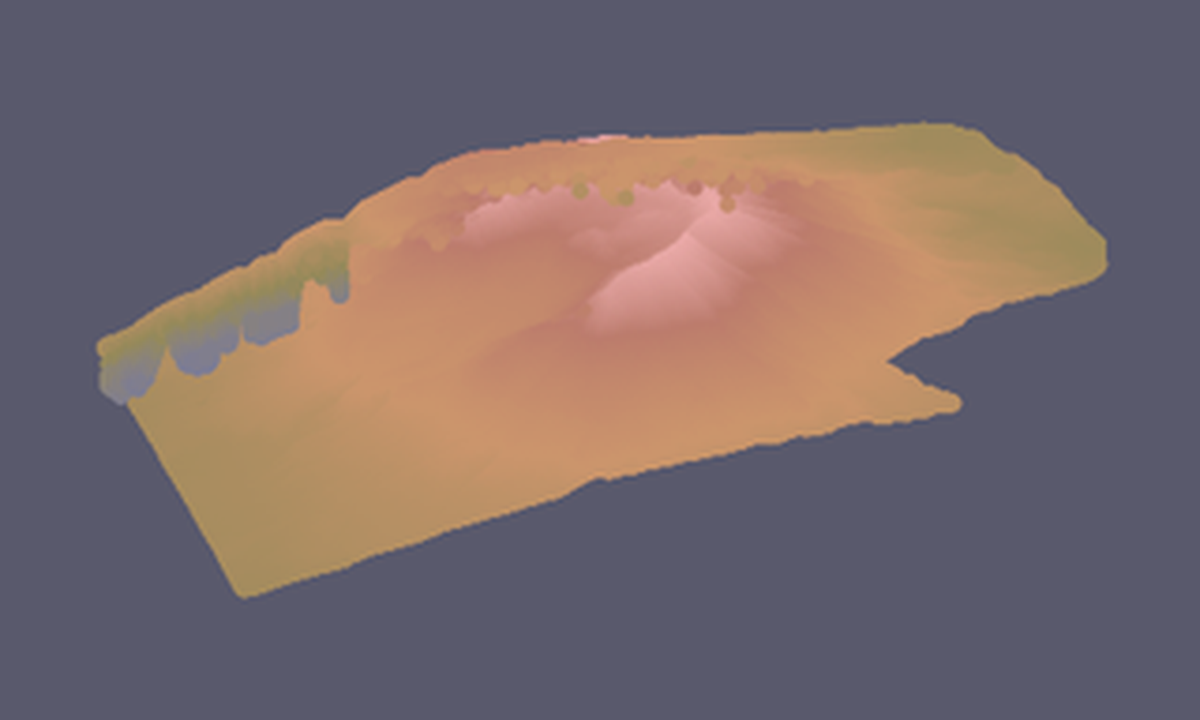
Point clouds stay on the same viewer IPC surface as terrain and overlays. The image below is the gallery render generated from the point-cloud example script.
Load a LAZ sample
import forge3d as f3d

cloud_path = f3d.fetch_copc("mt-st-helens")

with f3d.open_viewer_async(width=1440, height=900) as viewer:
    viewer.load_point_cloud(
        cloud_path,
        point_size=1.5,
        max_points=250_000,
        color_mode="rgb",
    )
    viewer.set_point_cloud_params(point_size=2.0, visible=True)
    viewer.snapshot("mt-st-helens-cloud.png")
Blend terrain and point cloud
with f3d.open_viewer_async(terrain_path=f3d.fetch_dem("rainier")) as viewer:
    viewer.load_point_cloud(f3d.fetch_copc("mt-st-helens"), max_points=150_000)
    viewer.set_orbit_camera(phi_deg=24, theta_deg=48, radius=6200)
    viewer.snapshot("terrain-plus-cloud.png")
The point-cloud helper is thin by design. If you need advanced tuning beyond the
convenience methods, use viewer.send_ipc(...) directly.
Gallery-backed script
scripts/regenerate_gallery.py renders the published point-cloud image by
calling examples/pointcloud_viewer_interactive.py with the same dataset:
python examples/pointcloud_viewer_interactive.py ^
  --input assets/lidar/MtStHelens.laz ^
  --width 1600 --height 912 ^
  --point-size 3.5 ^
  --max-points 750000 ^
  --color-mode rgb ^
  --phi 0.6 --theta 0.5 --radius 1.4 ^
  --snapshot point-cloud.png
Next: Scene Bundles
Expected output