forge3d Logo

Start

  • Quickstart
    • Install
    • First MapScene Render
    • First viewer session
    • First overlay
    • First notebook widget
    • When To Leave The Viewer Path
    • Next Steps
  • Architecture
    • The Two Rendering Paths
      • 1. Viewer-first scene control
      • 2. Native/offscreen rendering
    • Shared Runtime Layers
      • Native runtime
      • Python package
      • Examples, tutorials, and gallery
    • IPC Model
    • Data Flow
      • Terrain
      • Scene layers
      • Packaged outputs
    • Open-Source And Pro Boundaries
    • Reading The Repo
  • Viewer
    • Entry Points
      • forge3d.open_viewer_async()
      • forge3d.open_viewer()
      • forge3d.ViewerWidget
    • Common ViewerHandle Operations
    • When To Use Raw IPC
    • Viewer-Centric Example Map
    • Related Pages

Guides

  • Feature Map
    • Open-Source Core
    • Pro Workflows
    • Core Package Modules
    • What The Examples Directory Actually Covers
    • Choosing The Right Entry Point
  • Offline 3D Map Rendering
    • Canonical Examples
    • Support References
  • Deterministic LabelPlan
    • Candidate Generation
    • Rejection Reasons
    • Payloads
  • Diagnostics Reference
    • Required Codes
    • Render Policy
  • Style Support Matrix
  • Label Support Matrix
  • Building Support Matrix
  • 3D Tiles Support Matrix
  • Virtual Texturing Support Matrix
  • Large-Scene Support
  • Competitive Positioning
  • Data And Scene Workflows
    • Terrain Inputs
    • Datasets And CRS Helpers
    • Raster Overlays
    • Vector Overlays, Labels, And Styles
      • 1. Viewer overlays and labels
      • 2. Style translation and 2D vector scenes
    • Point Clouds
      • Viewer path
      • Module path
    • Buildings And 3D Tiles
    • Scene Bundles
    • Example Map
  • Rendering And Analysis
    • Viewer-First Rendering
    • Terrain Configuration
    • Native And Offscreen Rendering
      • Scene
      • Session + TerrainRenderer
    • Offline Accumulation And Denoise
    • Geometry, Mesh, And Vector Helpers
    • Path Tracing, SDF, And Lighting
    • Diagnostics And Device Utilities
    • Example Map
  • Offline Terrain Rendering
    • When To Use It
    • Public Accumulation Primitives
    • Output Contract
    • Adaptive Accumulation
    • Denoise Flow
    • Relationship To The Rest Of The Docs
  • Output And Integration
    • Snapshots And Frame Sequences
    • Notebook Integration
    • Pure-Python Composition On Top Of forge3d
    • Map Plates And Cartographic Furniture
    • Vector Export
    • Bundles And Repeatable Scenes
    • CLI And Integration Entry Points
  • Examples Catalog
    • Foundational Sanity Checks
    • Interactive Terrain And Cartography
    • Overlays, Labels, Styles, And Picking
    • Point Clouds, Buildings, And Large Assets
    • Animation And Camera Automation
    • Notebooks
    • Support Files In examples/
    • Where To Go Next

Learn

  • Tutorials
    • GIS Track
      • Visualize Your First DEM
        • Minimal API loop
        • Gallery-backed script
        • What matters
        • Expected output
      • Drape Overlays On Terrain
        • Example: Swiss DEM plus land-cover overlay
        • Gallery-backed script
        • When you need vector overlays
        • Expected output
      • Build A Map Plate
        • Compose a plate
        • Gallery-backed script
        • Notes
        • Expected output
      • 3D Buildings
        • Load the gallery CityJSON tile
        • Inspect material defaults
        • Inspect extracted triangle meshes
        • Expected output
    • Python Track
      • Your First 3D Terrain
        • Launch the viewer from a bundled DEM
        • Update it from Python
        • Gallery-backed script
        • Expected output
      • Camera, Lighting, And Animation
        • Manual camera and sun updates
        • Simple scripted flyover
        • Notebook widget version
        • Gallery-backed script
        • Expected output
      • Point Clouds
        • Load a LAZ sample
        • Blend terrain and point cloud
        • Gallery-backed script
        • Expected output
      • Scene Bundles
        • Save a bundle
        • Load and inspect
        • Load the same bundle into a running viewer
        • Expected output
  • Gallery
    • Recipe Golden Fixtures
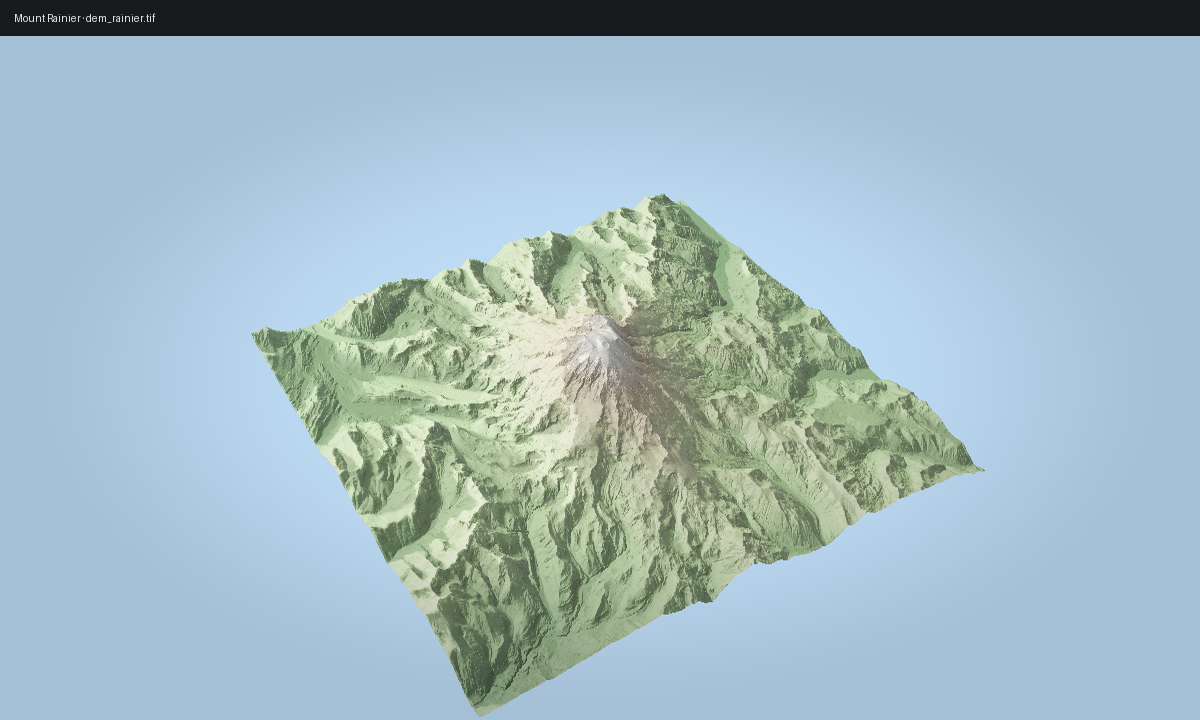
      • Mount Rainier
        • Ingredients
        • Sketch
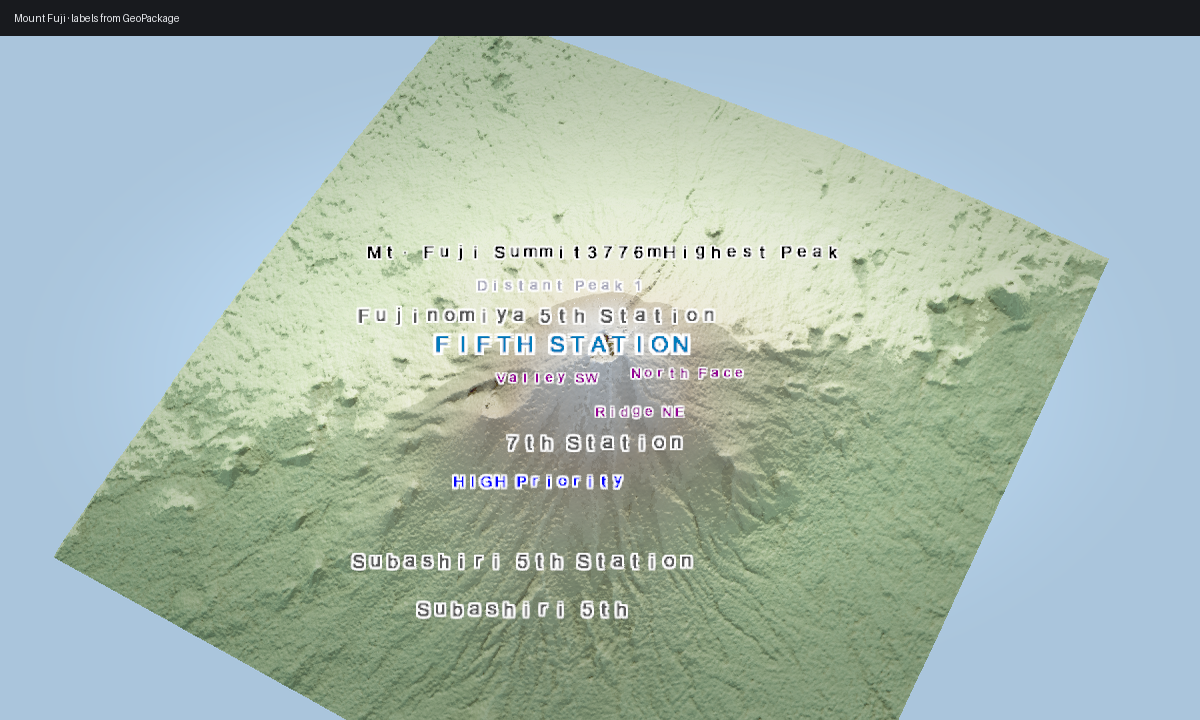
      • Mount Fuji Labels
        • Ingredients
        • Sketch
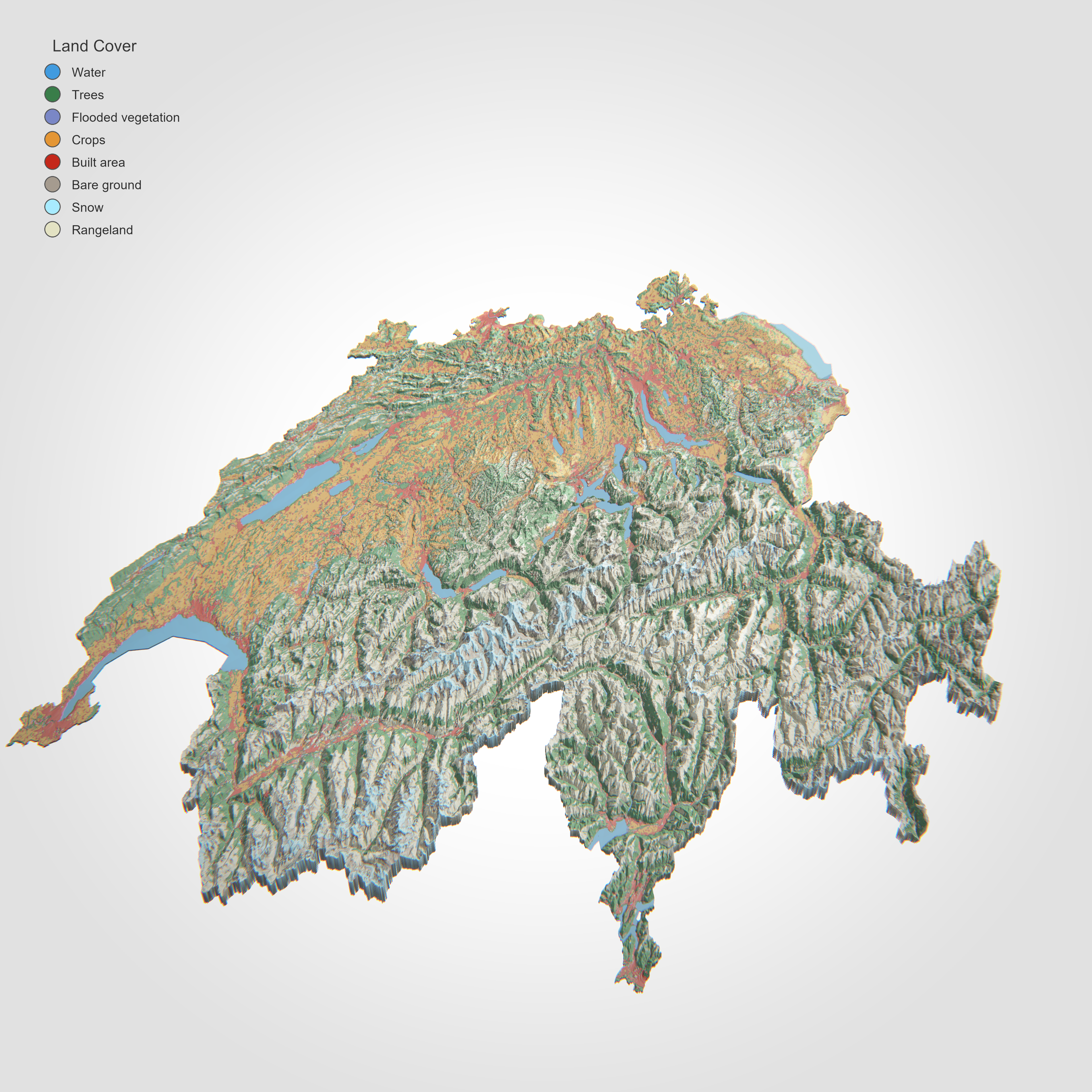
      • Swiss Land-Cover
        • Ingredients
        • Sketch
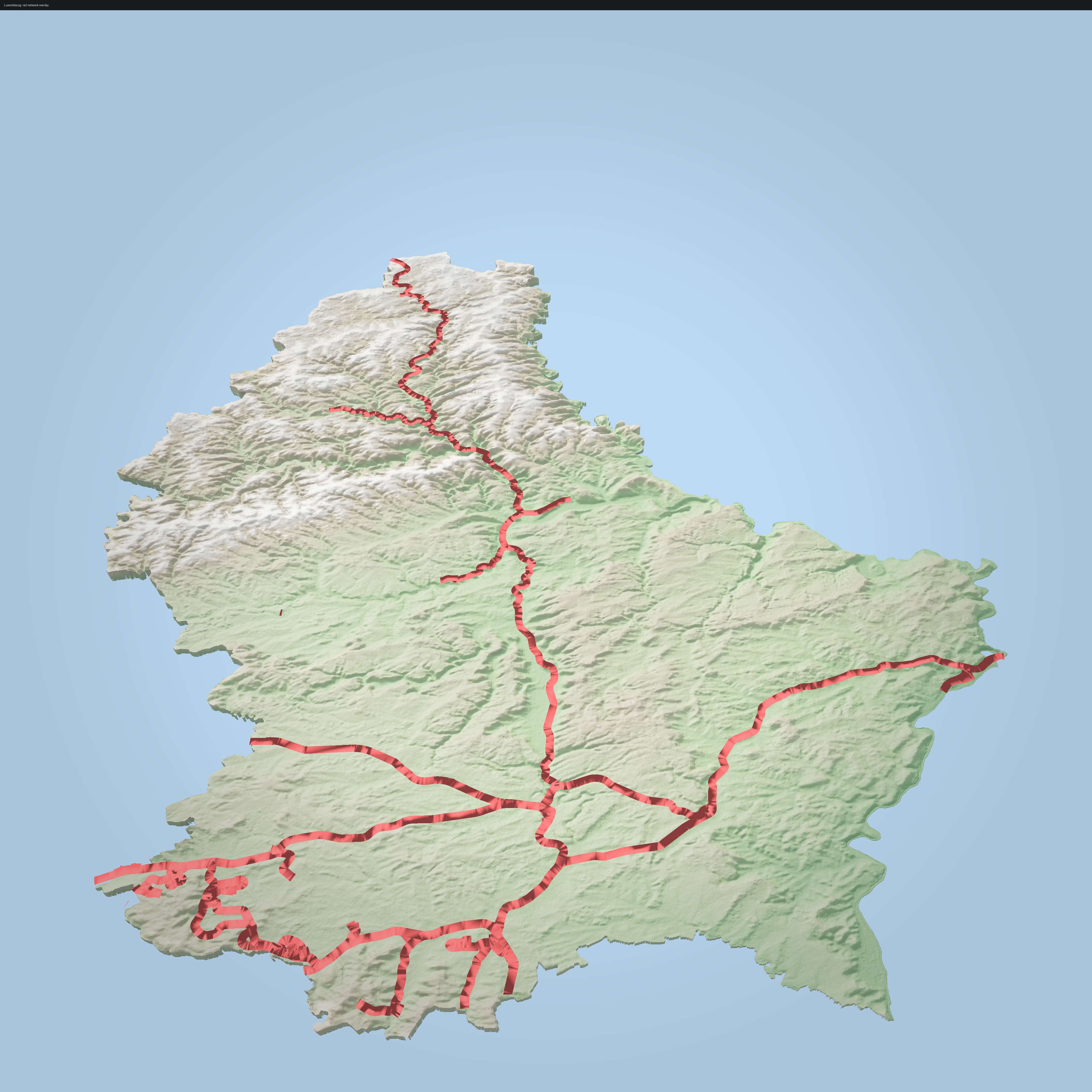
      • Luxembourg Rail Network
        • Ingredients
        • Sketch
      • 3D Buildings
        • Ingredients
        • Sketch
      • Point Cloud
        • Ingredients
        • Sketch
      • Camera Flyover
        • Ingredients
        • Low-Level Baseline
        • Rig Demo
      • Vector Export
        • Ingredients
        • Sketch
      • Shadow Comparison
        • Ingredients
        • Sketch
      • Map Plate
        • Ingredients
        • Sketch

Reference

  • API Reference
    • Top-Level Package
    • Viewer, Notebook, And IPC
      • Label API Truth
      • Deterministic LabelPlan
      • Typed MapScene API
    • Terrain Configuration And Automation
    • Data Access And Scene Inputs
    • Scene Assets And Packaging
    • Cartography And Export
    • Native Rendering And Quality
    • Geometry, Mesh, Vector, And IO
    • Materials, Textures, And Utilities
    • CLI-Oriented Helpers
forge3d
  • Gallery
  • Edit on GitHub

Gallery

The gallery is intentionally recipe-shaped. Each entry names the dataset, the small set of APIs involved, and the core idea behind the composition.

Entries marked Pro require a license key to run as written.

Preview

Entry

Mount Rainier

01. Mount Rainier

Mount Fuji labels

02. Mount Fuji labels

Swiss landcover

03. Swiss land-cover

Luxembourg rail

04. Luxembourg rail network

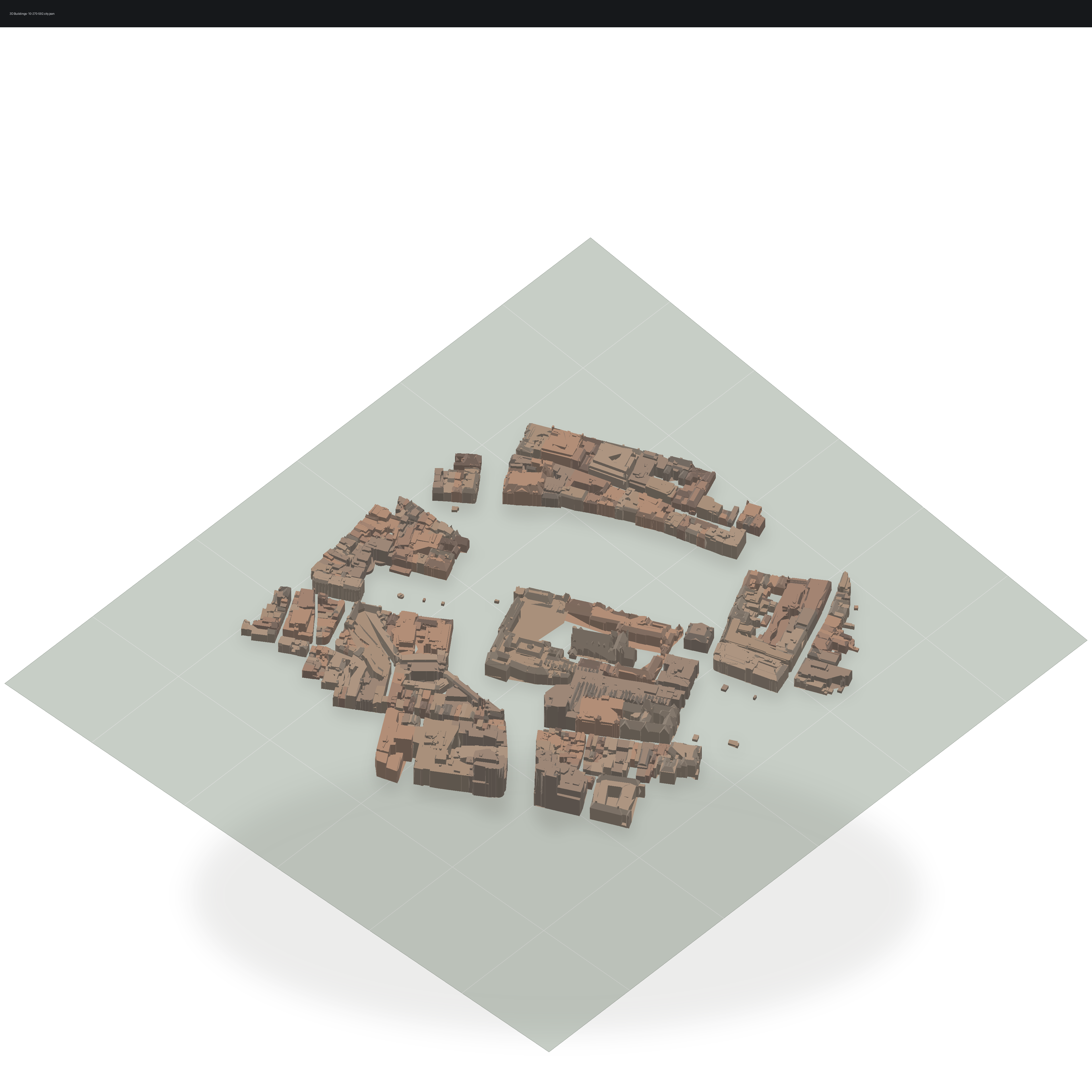
3D buildings

05. 3D buildings Pro

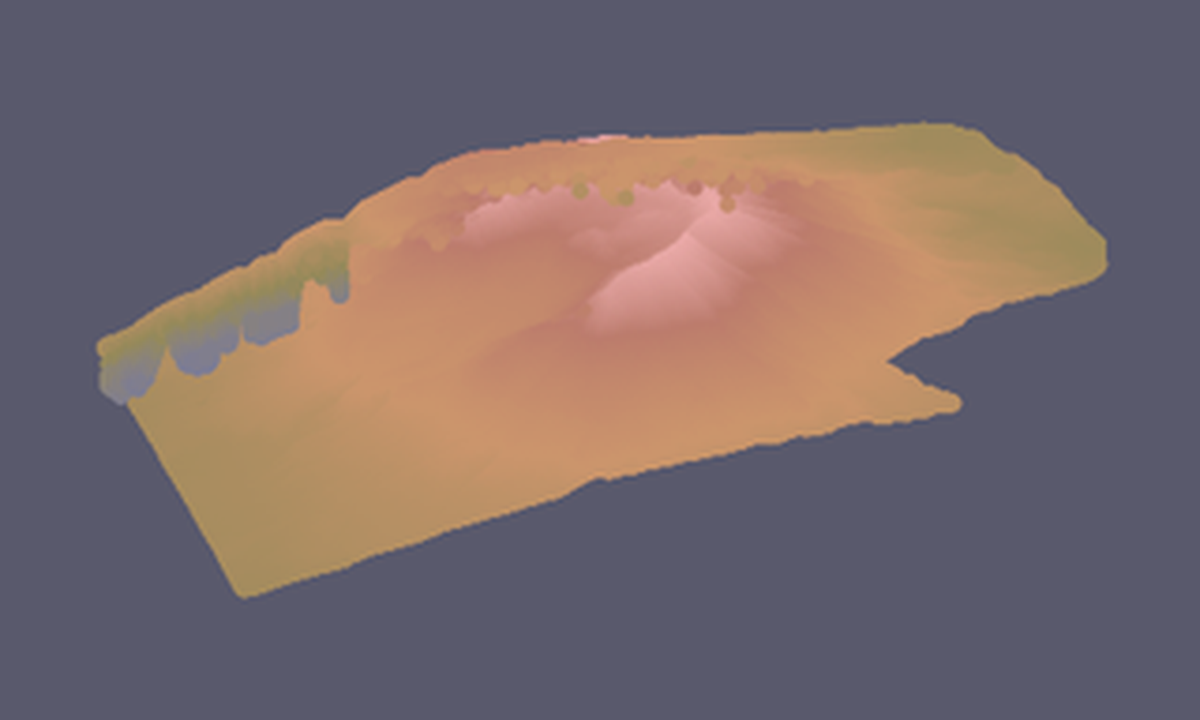
Point cloud

06. Point cloud

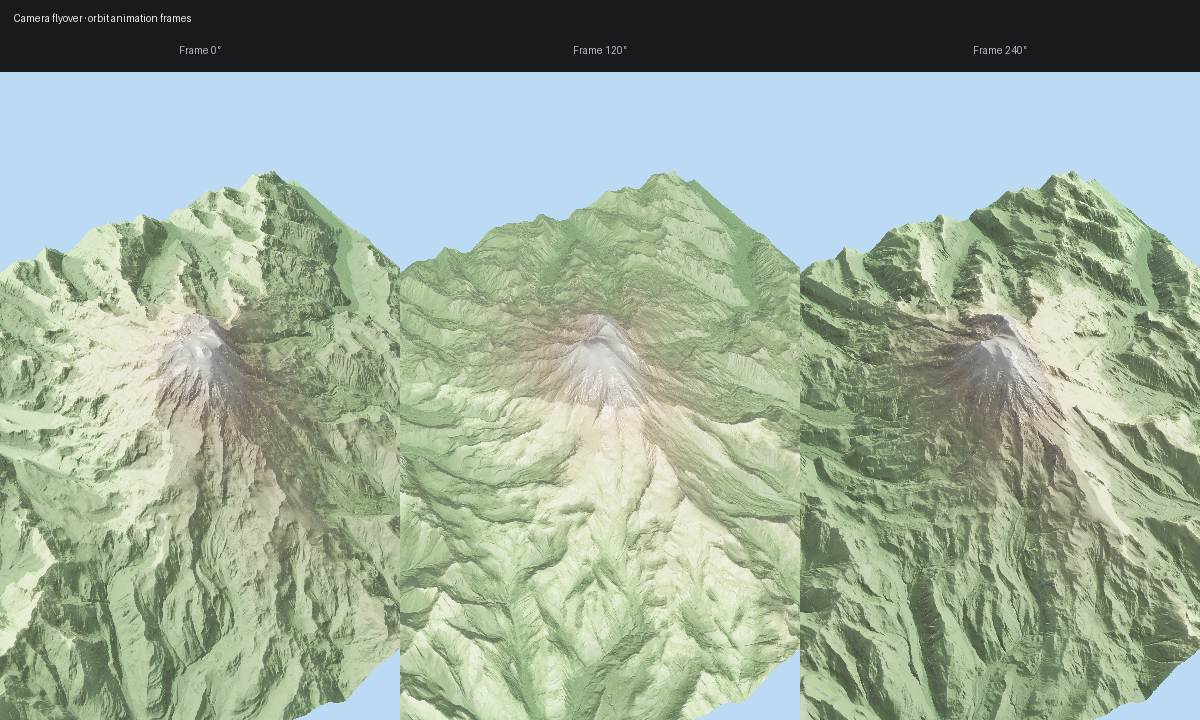
Camera flyover

07. Camera flyover

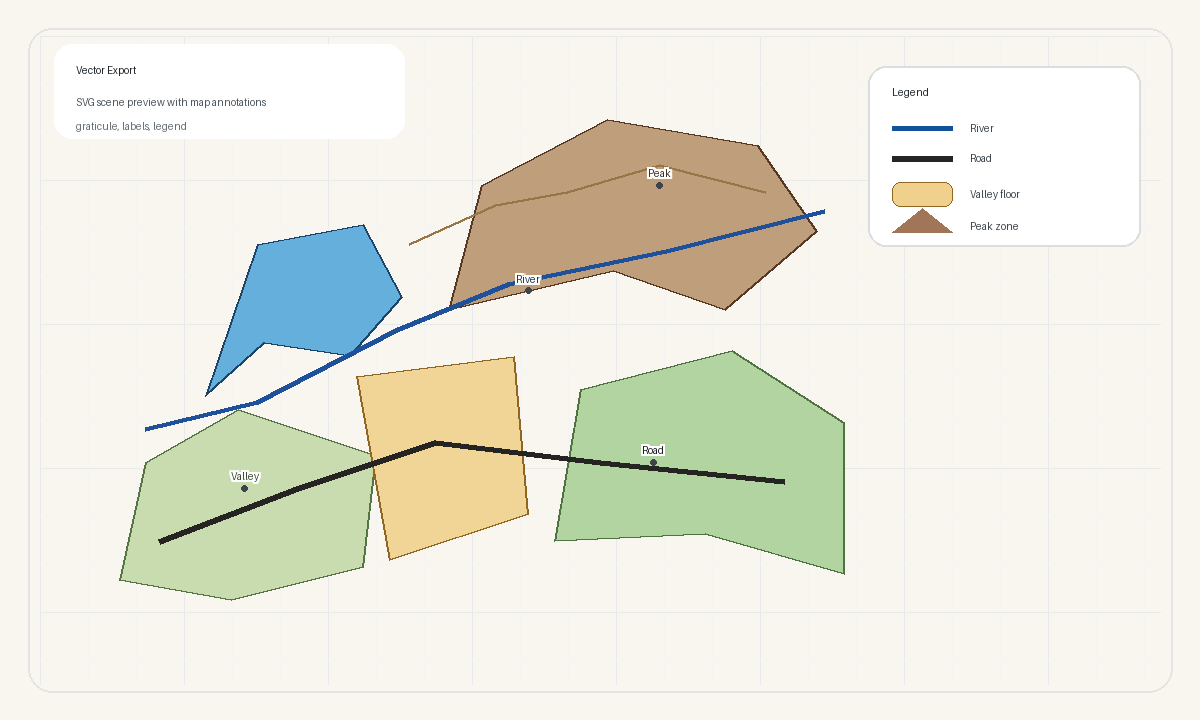
Vector export

08. Vector export Pro

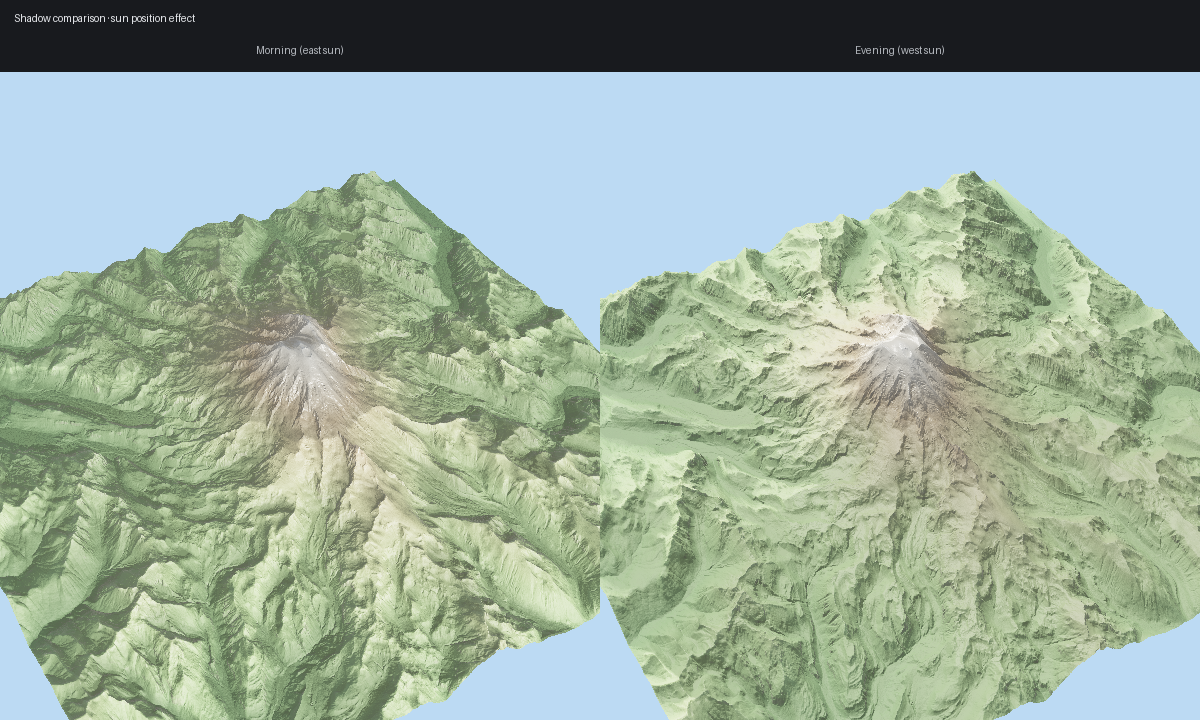
Shadow comparison

09. Shadow comparison

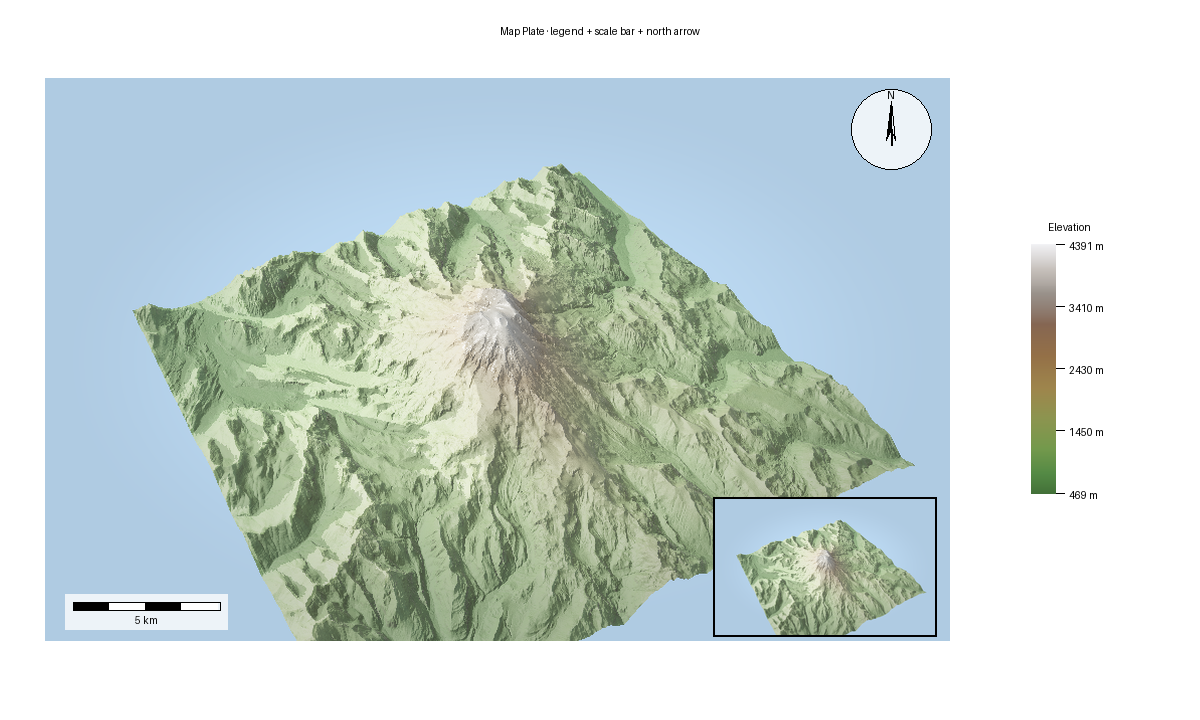
Map plate

10. Map plate Pro

Recipe Golden Fixtures

These small deterministic fixtures back the CI recipe-golden runner. Regenerate intentionally with FORGE3D_UPDATE_RECIPE_GOLDENS=1 pytest tests/test_recipe_goldens.py, review the image diffs, then commit the matching tests/golden/recipes/*.png updates with the code change. Failure artifacts are written under FORGE3D_RECIPE_GOLDEN_ARTIFACT_DIR when that environment variable is set; CI uploads them from tests/artifacts/.

CI runs recipe goldens in the Visual Goldens job. The primary path installs pyproj, probes the terrain backend with python scripts/terrain_ci_probe.py --mode terrain, then runs terrain and recipe image comparisons with FORGE3D_RUN_TERRAIN_GOLDENS=1. If the probe cannot prove a supported hardware-backed adapter, the job fails before image comparison instead of silently skipping shader-sensitive checks. FORGE3D_ALLOW_SOFTWARE_GOLDENS=1 is an explicit opt-in escape hatch for environments that cannot provide the GPU lane; it is scoped to recipe meta-validation and must not be treated as the primary render-quality gate.

To red-gate a shader-sensitive recipe change, make the smallest local shader perturbation that should affect a listed fixture, run FORGE3D_RUN_TERRAIN_GOLDENS=1 pytest tests/test_recipe_goldens.py -k <fixture>, and keep the generated FORGE3D_RECIPE_GOLDEN_ARTIFACT_DIR diff/actual/expected artifacts with the review notes. Revert the perturbation before landing. Only update a golden after the diff explains an intentional renderer change.

Fixture

Family

Golden

Command

mapscene_terrain_raster

terrain_raster

tests/golden/recipes/mapscene_terrain_raster.png

pytest tests/test_recipe_goldens.py -k mapscene_terrain_raster

mapscene_vector_labels

labels_vectors

tests/golden/recipes/mapscene_vector_labels.png

pytest tests/test_recipe_goldens.py -k mapscene_vector_labels

mapscene_label_halo_depth

labels_depth_occlusion

tests/golden/recipes/mapscene_label_halo_depth.png

pytest tests/test_recipe_goldens.py -k mapscene_label_halo_depth

mapscene_label_occlusion_ridge

labels_depth_occlusion

tests/golden/recipes/mapscene_label_occlusion_ridge.png

pytest tests/test_recipe_goldens.py -k mapscene_label_occlusion_ridge

mapscene_vector_stroke_quality

vector_stroke_quality

tests/golden/recipes/mapscene_vector_stroke_quality.png

pytest tests/test_recipe_goldens.py -k mapscene_vector_stroke_quality

mapscene_vector_stroke_quality_4x

vector_stroke_quality

tests/golden/recipes/mapscene_vector_stroke_quality_4x.png

pytest tests/test_recipe_goldens.py -k mapscene_vector_stroke_quality_4x

mapscene_offline_aovs

offline_accumulation

tests/golden/recipes/mapscene_offline_aovs.png

pytest tests/test_recipe_goldens.py -k mapscene_offline_aovs

mapscene_buildings

buildings

tests/golden/recipes/mapscene_buildings.png

pytest tests/test_recipe_goldens.py -k mapscene_buildings

mapscene_furniture_graticule

map_furniture

tests/golden/recipes/mapscene_furniture_graticule.png

pytest tests/test_recipe_goldens.py -k mapscene_furniture_graticule

mapscene_alignment_utm

alignment_crs

tests/golden/recipes/mapscene_alignment_utm.png

pytest tests/test_recipe_goldens.py -k mapscene_alignment_utm

mapscene_material_maps

terrain_materials

tests/golden/recipes/mapscene_material_maps.png

pytest tests/test_recipe_goldens.py -k mapscene_material_maps

mapscene_png16_color

output_color

tests/golden/recipes/mapscene_png16_color.png

pytest tests/test_recipe_goldens.py -k mapscene_png16_color

  • Mount Rainier
  • Mount Fuji Labels
  • Swiss Land-Cover
  • Luxembourg Rail Network
  • 3D Buildings
  • Point Cloud
  • Camera Flyover
  • Vector Export
  • Shadow Comparison
  • Map Plate
Previous Next

© Copyright 2025-2026, forge3d contributors.

Built with Sphinx using a theme provided by Read the Docs.